 By
By When I first encountered the phrase "digital twin" in a vendor pitch, I nodded along like I understood. I did not understand. The slides showed a spinning 3D model of a turbine and the word "real-time" appeared on every other page, but I left that meeting unable to answer the only question that mattered: what does this thing actually do that my existing dashboards don't?
If that sounds familiar, this guide is for you. We're going to start with the smallest useful definition of a digital twin, build up to the full technology stack, and finish with a practical framework for deciding whether your operation should invest in one.
What you'll learn
- What a digital twin is (and what it isn't)
- How it differs from a 3D model, a dashboard, and a simulation
- The technology stack from sensors to visualization
- Real-world use cases in manufacturing, facilities, and infrastructure
- A readiness checklist for your operation
- Common failure modes and when to skip this entirely
The smallest useful definition
A digital twin is a virtual copy of a physical thing, connected to that thing by live data, that updates itself as the real thing changes.
That's the whole concept. Three pieces: a physical asset, a virtual model, and a live data connection between them.
Think of it like a doctor's patient chart, except the chart fills itself in continuously. Your blood pressure, temperature, heart rate, all streaming in from monitors attached to your body. The doctor doesn't have to ask "how are you feeling?" because the chart already shows exactly how your body is performing right now and can flag when something looks wrong before you feel symptoms.
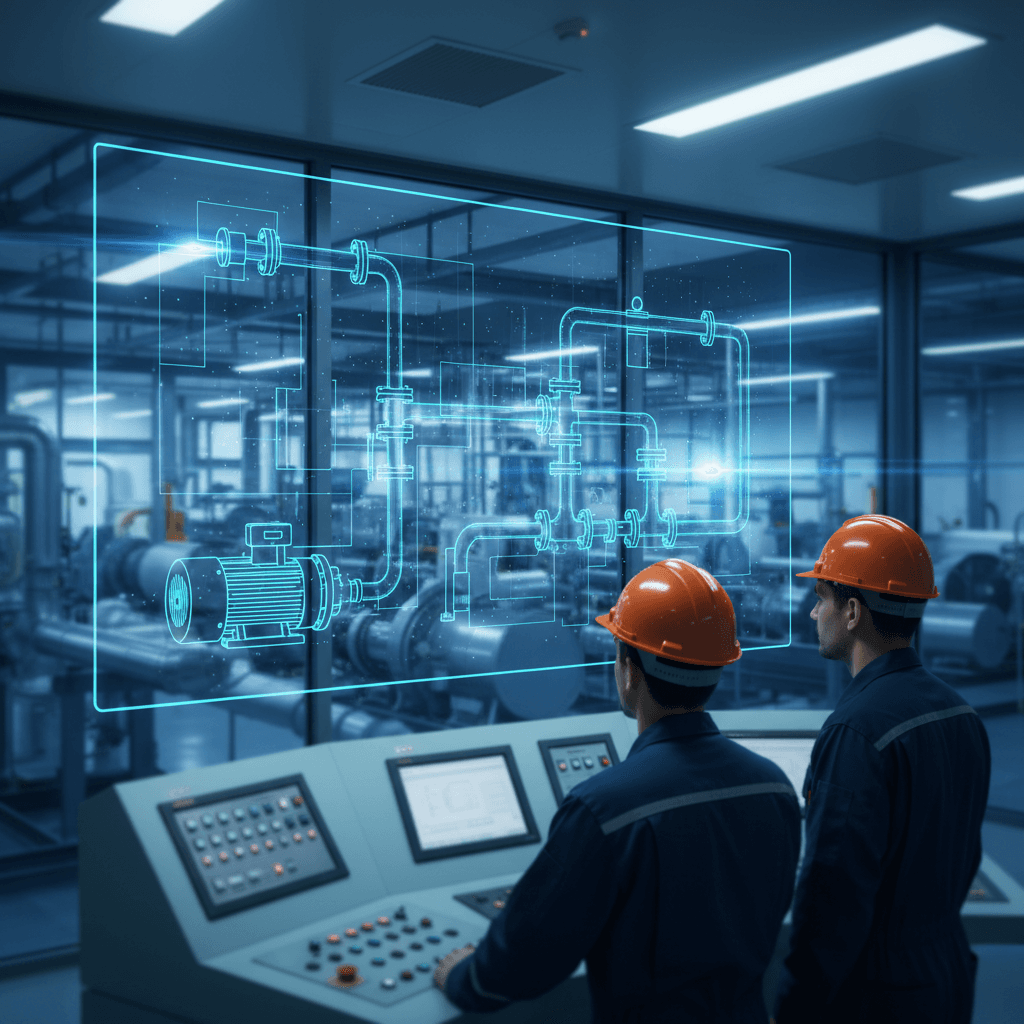
A digital twin does the same thing for a pump, a building, a production line, or an entire factory. Sensors on the physical equipment stream data into a virtual model that mirrors the equipment's real behavior. When the physical equipment changes, the virtual model changes. When the virtual model spots a pattern that suggests trouble, it can alert you or even trigger adjustments.
The key ingredient is that live, two-way data connection. Without it, you have something else.
What a digital twin is not
This is where most confusion lives, because vendors use "digital twin" to describe at least four different things. Here's how to tell them apart.
A 3D model is a static visual representation. Think of a CAD drawing or an architectural rendering. It shows you what something looks like. It doesn't know what that thing is doing right now. You can rotate it, zoom in, measure dimensions, but it won't tell you the motor is running hot.
A dashboard pulls in live data and displays it as charts, gauges, and alerts. Your existing SCADA system or monitoring platform does this. It tells you what is happening right now, but it can't predict what will happen next or let you test changes in a safe virtual environment before making them on real equipment.
A simulation lets you model "what-if" scenarios. What happens to airflow if we add a wall here? What if we increase pressure by 15%? Simulations are powerful but typically use manually loaded data and run for a specific scenario. They're a snapshot test, not a living model. As one industry comparison puts it, confusing a simulation with a digital twin is like mistaking a static blueprint for a live security feed.
A digital twin combines elements of all three but adds what none of them have alone: a continuous, two-way data link to the real asset. It can show you a visual model (like a 3D model), display real-time metrics (like a dashboard), and run simulations (like a simulation tool). But because it's constantly synchronized with the physical world through sensor data, its predictions and simulations are grounded in what's actually happening, not what someone guessed might happen.
Quick comparison
| Capability | SCADA/monitoring | 3D model | Simulation | Digital twin |
|---|---|---|---|---|
| Shows live data | Yes | No | No | Yes |
| Visual representation | Basic | Detailed | Varies | Detailed |
| Predicts future state | No | No | Yes (static inputs) | Yes (live inputs) |
| Two-way data flow | Limited | No | No | Yes |
| Tests "what-if" safely | No | No | Yes | Yes |
| Updates itself continuously | Yes (display only) | No | No | Yes |
The technology stack, layer by layer
When I first tried to understand the technology behind digital twins, I kept getting overwhelmed by architecture diagrams with fifteen boxes and forty arrows. So let me walk through the layers one at a time.
Layer 1: Sensors and IoT devices. These are the physical instruments attached to your equipment. Temperature sensors, vibration monitors, pressure gauges, flow meters, cameras. Many modern machines ship with sensors built in. Older equipment needs retrofitting. These sensors collect the raw data that makes everything else possible.
Layer 2: Connectivity and data ingestion. Sensor data needs to get from the factory floor to somewhere it can be processed. This is your network layer: industrial protocols (like OPC UA or MQTT), edge gateways that collect and pre-process data locally, and cloud or on-premise infrastructure that receives it. This layer handles the plumbing.
Layer 3: The data pipeline. Raw sensor readings are messy. They arrive at different intervals, in different formats, sometimes with gaps. The data pipeline cleans, normalizes, and time-stamps everything so the twin model can consume it. This is the layer that most teams underestimate. According to analysis from Context Clue, when digital twin projects fail, the root cause almost always traces back to data layer and integration issues, not the 3D or simulation side.
Layer 4: The twin model. This is the virtual representation itself, built using engineering models, physics equations, machine learning, or some combination. The model is designed to behave like the real asset. When the real pump's inlet pressure changes, the model's inlet pressure changes. When the model detects that a pattern of vibration readings historically precedes bearing failure, it flags it.
Layer 5: Analytics and intelligence. On top of the model sit analytics tools, often powered by machine learning, that detect patterns humans would miss. This is where predictive maintenance, anomaly detection, and optimization recommendations come from.
Layer 6: Visualization and interaction. This is what users actually see: dashboards, 3D renderings, augmented reality overlays, or mobile interfaces. The visualization layer is important, but as multiple failed projects have demonstrated, a beautiful visual without solid data underneath is just a graphic with data points, not a digital twin.
Where digital twins earn their keep
Manufacturing. A production line's digital twin can monitor equipment health across dozens of machines simultaneously, predict which component will fail next, and recommend maintenance windows that minimize downtime. According to IndustrialSage, digital twins can help achieve up to a 20% reduction in unexpected work stoppages.
Facility management. Building operators use digital twins to optimize HVAC performance, track energy consumption in real time, and simulate the impact of renovations before spending money on construction. A university campus or hospital complex with thousands of sensors can manage everything from a unified model.
Infrastructure. Bridges, water treatment plants, power grids. These are assets where failure is expensive or dangerous. A digital twin of a bridge can monitor structural stress, correlate it with weather and traffic patterns, and flag deterioration years before a human inspector would catch it visually.
Energy. Wind farm operators use digital twins to optimize individual turbine configurations based on live weather data. Engineers can adjust blade speed and generator torque on the fly, squeezing more output from the same hardware.
Is your operation ready? A decision checklist
Before talking to vendors, run through these questions honestly. You don't need to answer "yes" to all of them, but if most are "no," you probably have prerequisite work to do first.
-
Do you have a specific problem to solve? "We want to reduce unplanned downtime on our packaging line by 30%" is good. "We want to explore digital twin technology" is not. Start with the problem, not the technology.
-
Do your critical assets already have sensors? If your equipment has no instrumentation, you need an IoT deployment before you need a digital twin. That's a separate project.
-
Is your operational data accessible and reasonably clean? If your maintenance logs live in spreadsheets, your sensor data is siloed in proprietary systems that don't talk to each other, and nobody trusts the numbers, fix that first. A digital twin built on bad data will produce bad predictions.
-
Do you have someone who will own this? Digital twins that lack an internal champion with operational authority tend to stall after the pilot. This needs an owner, not a committee.
-
Can you quantify the cost of the problem you're solving? If unplanned downtime costs you a known dollar amount per hour, you can build a real business case. If you can't estimate what the problem costs, you can't evaluate whether the solution is worth it.
-
Is your IT/OT team ready to support ongoing integration? A digital twin isn't a one-time install. It requires ongoing data pipeline maintenance, model tuning, and system updates. If your IT team is already stretched thin, factor in what ongoing support will actually require.
Why pilots stall (and how deployments actually progress)
A significant number of digital twin projects never make it past the pilot stage. Based on reporting from Digital CxO and e-Magic, the common failure modes cluster around a few recurring patterns:
No clear operational outcome. Leadership approves a pilot to "explore innovation" without defining what success looks like. The pilot produces a demo. The demo impresses nobody who controls budget because it doesn't connect to a business metric.
Data problems discovered too late. The team builds the twin model and visualization, then discovers that the underlying data is fragmented across systems, inconsistent in format, or missing entirely for key assets.
Overinvestment in the visual layer. Teams spend months perfecting a photorealistic 3D model while the data pipeline remains unreliable. The result looks impressive in presentations but can't support real decisions.
No path to scale. The pilot works for one asset but the architecture wasn't designed to extend across a facility or portfolio. Scaling requires a rebuild, and the budget is gone.
How a typical deployment actually progresses
Phase 1: Define the use case (weeks 1-4). Pick one specific operational problem on one specific asset or process. Define measurable success criteria. Get an operational owner, not just an IT sponsor.
Phase 2: Assess data readiness (weeks 2-6). Audit what sensors exist, what data is available, where the gaps are, and what integration work is required. This phase often reveals that the prerequisite work (sensor deployment, data cleanup) is the real project.
Phase 3: Build a minimum viable twin (months 2-4). Connect real sensor data to a basic model of the target asset. Skip the fancy 3D visualization for now. Focus on whether the model can ingest live data and produce useful output: a prediction, an alert, an optimization recommendation.
Phase 4: Validate against reality (months 3-5). Run the twin alongside normal operations. Compare its predictions to actual outcomes. Tune the model. This is where you prove (or disprove) value.
Phase 5: Operationalize (months 4-8). Integrate the twin into daily workflows. Train operators. Build the visualization layer that makes it usable for non-engineers. Set up alerting and reporting.
Phase 6: Scale (months 6-12+). Extend the proven approach to additional assets, lines, or facilities. This is where architecture decisions from Phase 3 either pay off or haunt you.
Timelines vary enormously depending on scale. A single-asset twin for a well-instrumented machine might take two to three months. A facility-wide twin for a complex plant could take over a year.
When not to do this
Digital twins are not the answer to every operational question. You should probably skip this if:
Your operation is small and stable. If you're running a dozen machines with predictable maintenance schedules and low downtime costs, the investment won't pay back. Basic monitoring and good preventive maintenance practices may be all you need.
You don't have a data foundation. If you're still getting your sensor infrastructure and data systems in order, a digital twin project will just expose those gaps expensively. Build the foundation first.
The problem is organizational, not technical. If your maintenance issues stem from understaffing, poor procedures, or lack of training, a digital twin won't fix that. It will just give you a more sophisticated view of the same organizational problems.
You can't commit to ongoing maintenance of the twin itself. A digital twin that isn't maintained, with model updates, data pipeline fixes, and recalibration, degrades quickly. If you can't commit to treating it as a living system, it'll become another abandoned dashboard within a year.
Your vendor can't explain the data layer. If a vendor's pitch is 90% visualization and 10% data architecture, that's a red flag. The data layer is where value lives and where most projects fail.
The bottom line
A digital twin is a powerful tool when it's matched to a real operational problem, built on solid data infrastructure, and maintained as a living system. The organizations seeing strong returns (and according to a Hexagon industry survey, 92% of companies tracking digital twin ROI report returns above 10%) are the ones that started with a clear use case and invested in the unglamorous data plumbing before the impressive visuals.
The worst thing you can do is buy a digital twin because the concept sounds futuristic. The best thing you can do is look at your most expensive operational problem, ask whether continuous real-time modeling would help solve it, and work backward from there.
Start with the problem. The technology follows.
Adam Diallo covers technology guides for The Daily Vibe.