 By
By The announcement dropped Monday and within four hours had 9.2 million views on X. That number alone tells you something. People have been waiting for this — or at least waiting to argue about it.
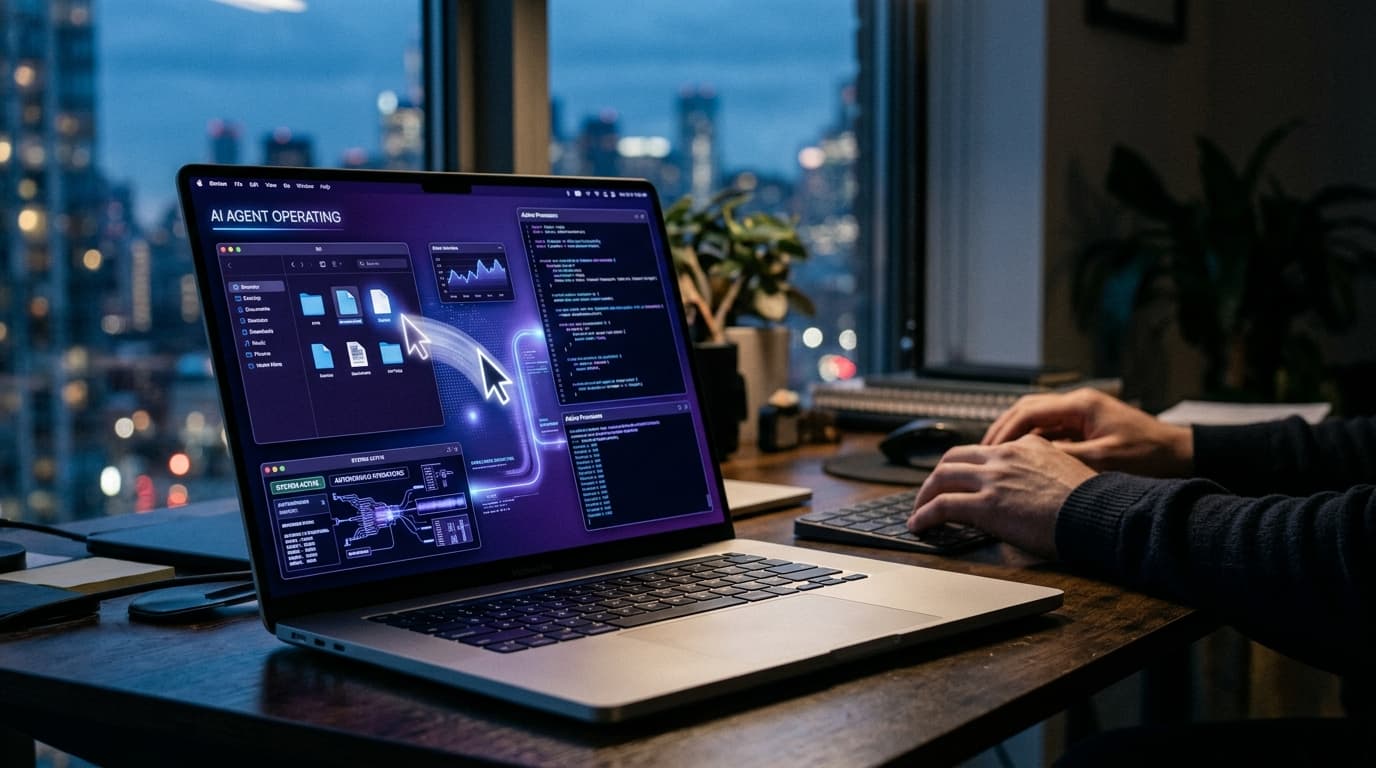
Anthropic announced today that Claude can now control your Mac. In both Claude Cowork and Claude Code, Claude can see your screen, move your cursor, click around, open files, run dev tools, and navigate the browser — all to complete a task you assigned it. No special setup. No API plumbing. Just Claude, your desktop, and a task.
It is called computer use, and it is in research preview right now for Claude Pro ($20/month) and Claude Max ($100-$200/month) subscribers. macOS only, for the moment.
What it actually does
Here is how it works in practice. You give Claude a task — say, "pull the latest campaign metrics from the dashboard and drop them into the weekly report." Claude first looks for a native connector. If there is a Slack integration, or a Google Calendar hook, it uses that — faster and cleaner. If there is no connector, it goes manual. It takes over the mouse and keyboard and does what you would do: opens Chrome, navigates to the dashboard, reads the screen, copies the data, finds the file, pastes it in.
Anthropic is framing this with a useful mental model: "Like when the deck is on your laptop, but you aren't." Your computer is at your desk doing work. You are on the train. That gap — between "I need something done" and "I am physically at my machine to do it" — is what this is meant to close.
It pairs directly with Dispatch, Anthropic's feature that lets you run a single continuous conversation with Claude across your phone and desktop. You hand off a task from your phone, Claude runs it on your desktop, you check the results later. That loop — assign from anywhere, execute at the machine, review on any device — is the actual product vision here.
The Cowork angle
Claude Cowork launched in January 2026 as Anthropic's answer to the question: what does an AI desktop agent look like for people who are not developers? It gave Claude access to your file system and the ability to run longer, autonomous tasks. Computer use is the obvious next step — the thing Cowork was always pointed at.
For Cowork users, this means Claude can now handle tasks that previously required you to be at your keyboard. Create a morning briefing from your emails while you are on the commute. Keep a 3D printing project moving according to the plan you wrote last week. Pull together a report without being in the room.
For Claude Code users, the implications are more immediately tangible. Claude can make changes in your IDE, run the test suite, fix what breaks, and open a pull request. The coding agent loop — which developers have been cobbling together with scripts for months — now has a native interface. Whether it is faster or more reliable than those existing workflows is something we will find out over the next few weeks of real usage.
Where this sits in the competitive picture
Anthropic is not first here. OpenAI's Operator has been doing screen-level automation for months. Google's Project Mariner has been testing browser control. Microsoft has been building Copilot Vision into Windows. The computer-use category is not new — it just has not been particularly good.
What Anthropic is betting on is Claude's underlying reasoning. The computer use interface is table stakes at this point; the question is whether the model behind it can actually handle real-world desktop complexity — the weird UI states, the unexpected popups, the apps that do not behave the way anyone expects. The 2024 beta showed Claude was capable but not reliable. "Production-ready" is a stretch; "research preview" is the honest framing Anthropic is using.
That honesty matters. The disclaimer in the announcement is real: Claude can make mistakes, complex tasks sometimes need a second try, and working through the screen is slower than using a direct integration. Anthropic explicitly says to start with apps you trust and skip anything handling sensitive data. Some apps are blocked by default.
The safety piece deserves actual attention
Giving an AI access to your full desktop is not a trivial decision. The main risk is prompt injection — a malicious actor slipping instructions into something on your screen (a webpage, an email, a document) and hijacking what Claude does next. Anthropic says the system scans model activations in real time to detect this. Whether that is sufficient is genuinely an open question; the security community will have opinions.
You can stop Claude at any time. It will always ask permission before accessing a new application. Those are real guardrails, not just marketing. But "always asks permission" only matters if you are watching, and the whole point of this feature is that you often will not be.
There is something worth sitting with there. An agent working through your desktop at 3am while you sleep is either incredibly useful or kind of unsettling depending on what it is doing and for whom. I lean toward useful, but the threat model is real and anyone deploying this for actual work should think about what data Claude will touch before turning it loose.
What this costs and who it is for right now
Claude Pro is $20/month. Claude Max starts at $100. Both tiers include computer use in research preview. Enterprise plans include Cowork, but computer use availability at that tier was not specified in today's announcement — worth checking with Anthropic directly if it matters for your deployment.
Right now, this is most useful for two kinds of people: developers using Claude Code who want Claude to run tests and open PRs without babysitting the process, and knowledge workers on Cowork who want Claude handling multi-step desktop tasks while they focus elsewhere. The Dispatch pairing is what makes it practical for the second group — without the mobile-to-desktop handoff, "use my computer while I am away" requires being away from a device you are also supposed to be on.
Windows support is not here yet. If your workflow is PC-based, file this under "interesting, check back later."
My take
This is the most interesting thing Anthropic has shipped since the original Claude 3 model release. Not because computer use is new — it is not — but because embedding it natively into Cowork and Claude Code is the right distribution move. People were already in those products. Adding eyes and hands to the agent they were already using beats launching a standalone computer-use app that requires building a new habit from scratch.
I want to test the Dispatch pairing. The idea of queuing a task from my phone and coming back to find it done is genuinely appealing. Whether Claude handles the real messiness of actual desktops — specific apps, weird edge cases, enterprise software that behaves nothing like a demo — is the question. The 2024 research beta set expectations appropriately low. Today's launch says the bar has moved. I will believe it when I run it against real work.
For now: if you are on Pro or Max and running macOS, it is worth turning on and seeing what breaks. That is exactly what a research preview is for.